A NEOBRUTALISM DEMO
Digital Styleguide
A quick reference for the colors, typography, and components that shape the brutal interface. Use these building blocks to keep new pages looking consistent with the rest of the experience.
← Back to the main siteFoundation
Color palette
The palette leans into sharp contrasts and electric accents. Each swatch corresponds to a CSS custom property defined in :root.
Voice
Typography scale
The demo uses Work Sans for every headline and label. Stick to bold weights and tight line heights to keep things loud.
Display
NEOBRUTALISM
Section heading
Raw power moves
Subheading
Unpolished and unapologetic
Body copy
Keep paragraphs brief and punchy. Use uppercase for emphasis and lean on the accent color for inline highlights.
Glitch headline
SERVICES
Eyebrow label
FROM THE FOUNDER
Interface
Navigation & controls
The header blends logo, navigation, theming, and search into a compact block with heavy borders. Supporting controls keep global wayfinding consistent across breakpoints.
Primary header
Logo, menu, theme toggle, and quick search all sit inside a stacked flex layout. On narrow screens the nav toggle reveals the menu.

Scroll indicator
A fixed stack of dots highlights the current panel as the page snaps between sections.
Storytelling
Hero & manifesto moments
Editorial modules lean on giant type, overlays, and manifesto language to set the tone before diving into the work.
Hero billboard
Full viewport splash with oversized title, glitching tagline, and background texture.
NEOBRUTAL ENERGY
Raw. Unfiltered. Direct.
Founder narrative
Stacked copy, pillars, and stats create a manifesto-style story block.
OUR STORY
"We don't follow trends. We create disruptions."
— JANE DOE, FOUNDER
- Design with unapologetic honesty.
- Protect the spark that makes you different.
- Leave the internet louder than you found it.
Jane Doe
Founder & Creative Director
Manifesto card
Manifesto 01
Make the bold feel inevitable. Make the inevitable feel human.
A rotated card with thick borders supports quotes, value props, or highlight stats.
Marquee strip
Old-school <marquee> treatment scrolls hype statements across the screen.
Inputs
Buttons, chips & forms
Controls rely on chunky borders, subtle shadows, and uppercase labels. Keep spacing generous so every tap target feels deliberate.
Primary buttons
Use the solid block version for main actions and the inline variant for contextual links.
Form inputs
Inputs keep the same border recipe as buttons but swap shadows for filled surfaces.
Product chips
Filter chips are bold rectangles with slight rounding and uppercase copy.
Newsletter form
Email capture pairs a pill-shaped input with an arrow CTA to keep momentum.
Library
Card catalog
Cards share the same border weight, drop shadow, and neon accents. Mix and match them inside responsive grids.
Services grid
UX DESIGN
Brutally simple user experiences.
BRANDING
Bold visual identities that hit hard.
DEVELOPMENT
Fast and accessible web solutions.
Three-up layout for highlighting studio offerings.
Product cards
Launch Identity Kit
Logo suite, typography pairings, and launch collateral ready to ship in two weeks.
- Full logo family + usage guide
- Social reveal pack
- Founders deck templates
Motion Teaser Bundle
Hypnotic loops and transitions engineered to hijack timelines.
- 8 social-ready animations
- Audio-reactive stingers
- Editable source files
Commerce layout mixing pricing badges, descriptions, and bullet lists.
Staff card
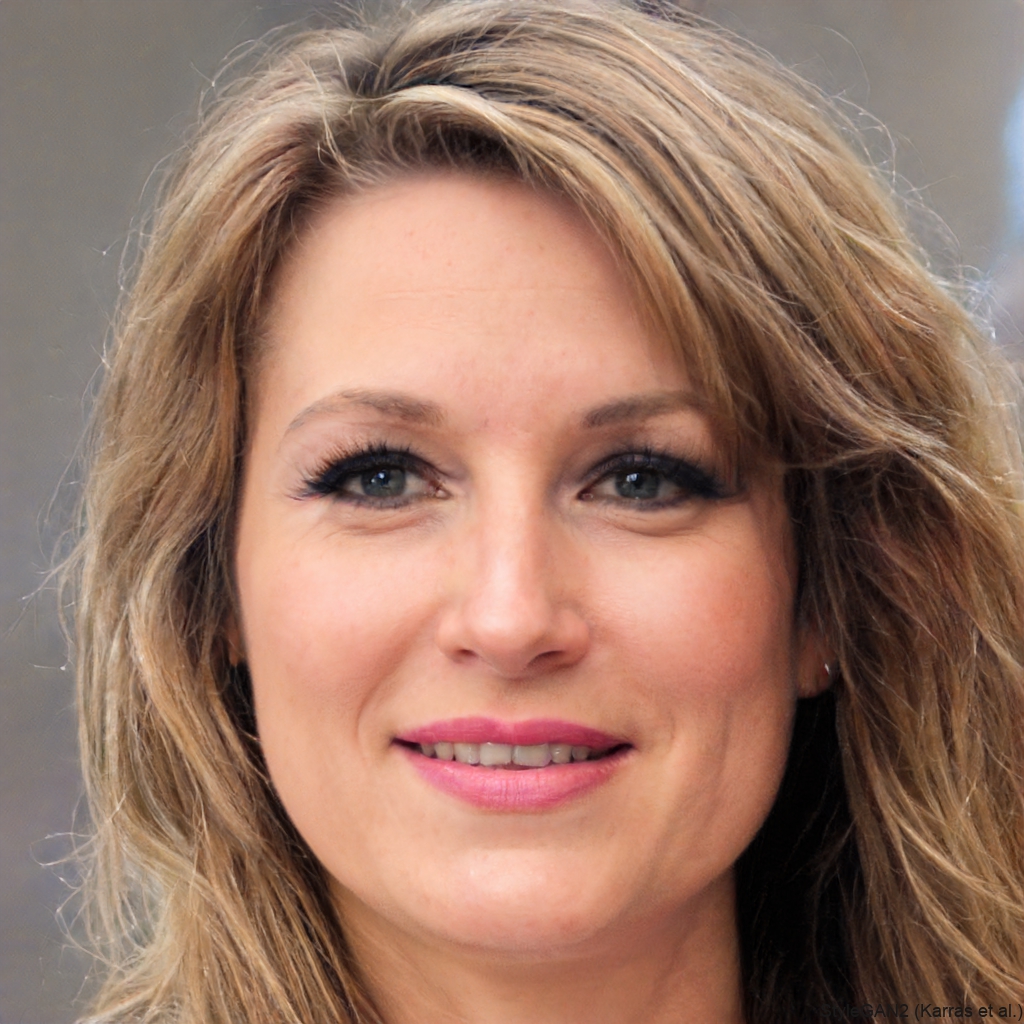
JANE DOE
CREATIVE DIRECTOR
jane.doe@example.comStacked avatar, title, and social handles make every teammate easy to contact.
Location cards

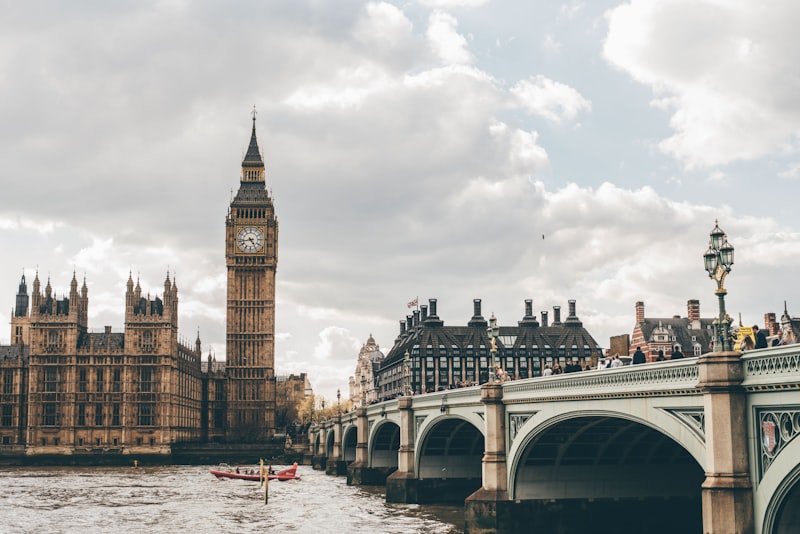
Office callouts double as mini-contact cards with quick links.
Testimonial slider
"Their brutal approach to design completely transformed our brand."
"Breaking conventions never looked so good. Traffic doubled after launch."
Carousel controls, cards, and dots combine into a flexible testimonial module.
Staff call-to-action
Want your name on this wall?
We keep a shortlist of collaborators who thrive under neon lights and heavy borders. Send a portfolio and a bold idea.
Pitch the teamPromo block pulls in the inline button for lighter-weight CTAs.
Content
Media & contact modules
Rich media frames, galleries, and contact layouts keep the brutal aesthetic intact while housing embeds.
Video feature
PRESS PLAY
Step inside the studio. Our manifesto in motion.
Embedded video sits inside a bordered frame with dashed overlay.
Gallery layout
Masonry-inspired gallery mixes aspect ratios for visual rhythm.
Contact split

GET IN TOUCH
ADDRESS
123 BRUTAL STREET
DESIGN DISTRICT
12345-678
CONTACT
PHONE: +1 234 567 890
EMAIL: HELLO@BRUTAL.DESIGN
Two-column layout balances a map embed with key contact details.
Secondary pages
Staff page patterns
Supporting pages reuse the same brutal system while adapting the hierarchy for long-form content.
Staff page header
A simplified header grounds secondary content with persistent navigation.
Staff hero
Inside the studio
Meet the staff
The brutalist energy only works because a scrappy crew keeps the lights buzzing. Every collaborator brings their own flavor of chaos, craft, and care.
Intro section pairs a lead copy block with a punchy sidebar note.
Staff directory header
THE CREW
Hover any card to copy their vibe. Click the emails to start something brutal.
Section header leans on the glitch effect to frame the team grid.
Staff page footer
Simple footer keeps attention on the contact point.
Usage tips
Keeping it consistent
- Use chunky margins and generous spacing—let components breathe.
- Stack content inside bold borders and drop shadows to sell the brutalist vibe.
- Reserve the yellow accent for calls-to-action and animated details.
- Always provide a contrasting fallback color when placing type over imagery.
- When in doubt, default to uppercase copy and slightly overstated letter spacing.